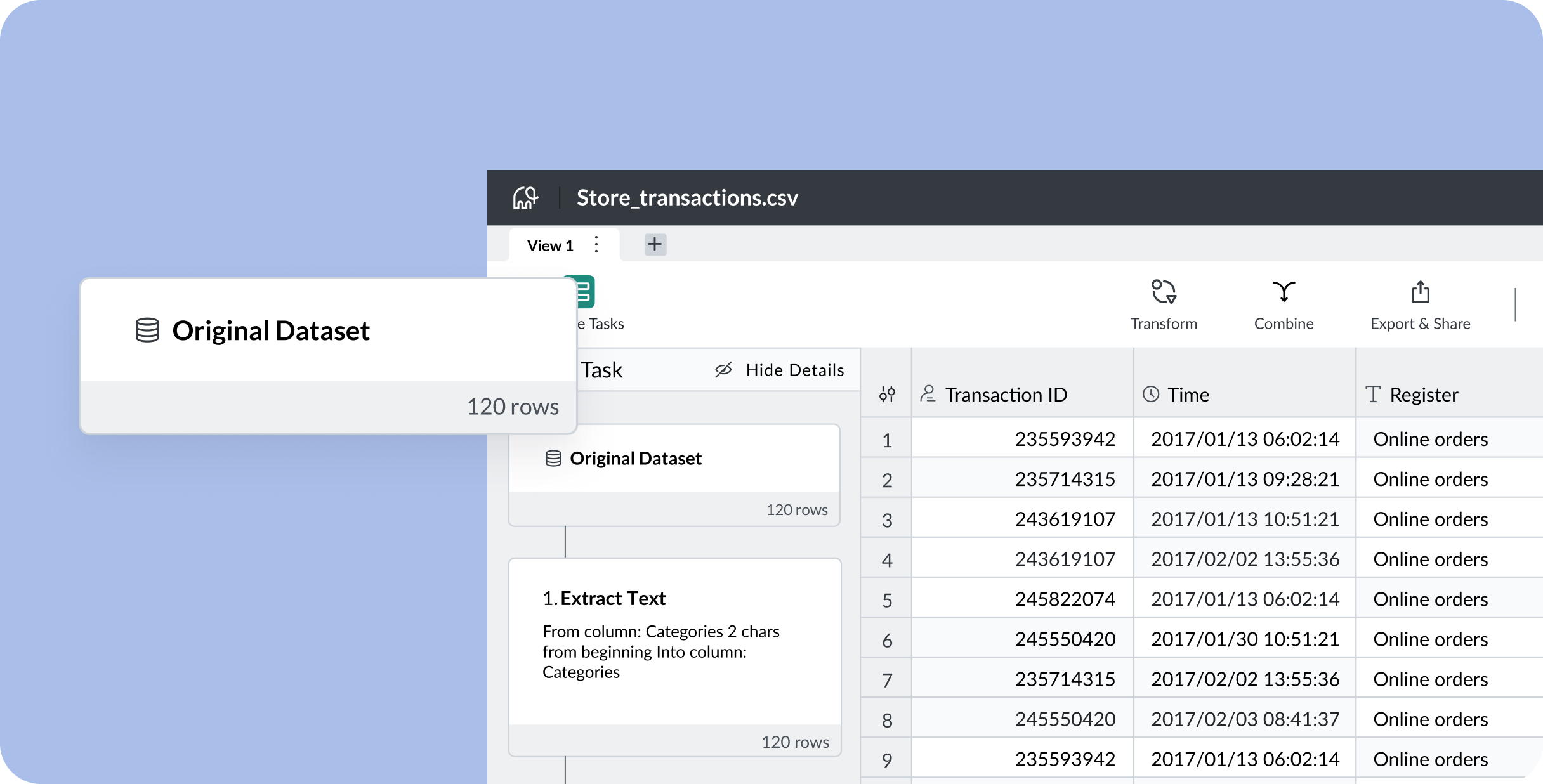
Use AI to turn your PDFs into editable spreadsheets with Mammoth’s free PDF to CSV converter. Quickly extract tables and data, saving you countless hours on manual data entry. Accurate, fast, and secure, no extra steps or fuss.









”I rely on this extractor for all my projects—it saves time and ensures perfection every time.”

James T.
”This tool transformed the way we handle data.
Accurate, fast, and so user-friendly!”



Our AI-powered converter extracts tables, lists, and structured data from your image files and PDFs with exceptional accuracy. Simply upload your file and download your formatted CSV instantly.
Whether you have scanned documents, photographed receipts, or digital PDFs, our advanced OCR and AI technology handles them all.


Click the “Upload your PDF” button to select your PDF, or simply drag and drop it onto the page.
Using AI, our tool will automatically find and extract the tables from your PDF with precision.
Download your extracted tables for free, or use Mammoth to further explore, transform and automate your data!

Save hours of manual work with instant conversion
AI-powered extraction that understands table structure
Extract tables directly from images and PDFs
Get conversion results right away
Learn more about converting your PDF to a CSV in this video walkthrough:
At Mammoth, we’re committed to handling your data with care.
Files uploaded to our extract tool are automatically deleted within an hour, providing an added layer of security and peace of mind.
No matter if you’re working with sensitive business reports or personal documents, you can always trust that your data stays private and protected with us.





Here is a statistic that should bother anyone who works with data: analysts spend roughly 80% of their time finding, cleaning, and organizing data, and just 20% actually analyzing it. That means four out of every five hours goes to work that is not what analysts were hired to do. Self-service data preparation is the […]
Data cleaning software automates the process of fixing errors, duplicates, and inconsistencies in your datasets. The right tool can save your team hundreds of hours while ensuring data quality that drives better decisions. If you’re spending more time cleaning and wrangling data rather than analyzing it, you need dedicated software. Most teams waste 80-90% of […]
Data wrangling tools help you transform messy, raw data into clean, structured formats ready for analysis, without writing complex code or waiting on data engineers. This guide compares 15 data wrangling tools across pricing, features, ease of use, and ideal use cases to help you find the right solution. What Is Data Wrangling Software? Data […]
Mammoth lets you extract data from images and PDFs, clean and transform it, and generate insights instantly.
Whether you’re processing invoices, receipts, forms, or reports, our AI handles the complexity so you can focus on what matters.