Retail & CPG
One sales picture from every retailer, market and Nielsen file
14-day Pro trial · No credit card
- Nielsen and retailer files
- Excel from every market
- Distributor feeds
- Connect
- Clean
- Automate
- Share
Recorded once, re-run on a schedule.
- One harmonised sales dataset
- Power BI, BigQuery or a Mammoth dashboard
Retail & CPG teams running this on Mammoth

Each retailer names your products its own way, and Nielsen names them another. Each market sends its file in its own layout and currency. So before anyone can say why a segment dropped, someone spends days lining up SKUs by hand. Next month the new file lands and they do it again.
The work
Four jobs CPG data teams do by hand, and the brands that stopped
Each row is one brand's story. The panels beside them use made-up rows to show the shape of the work.
Match every retailer's product names to one SKU
Golden Acre Foods matched its SKUs against Nielsen by hand, across four major retailers, for hours every week. The mapping now runs on barcodes, on a schedule the commercial team owns.
- Match on the barcode, not the spelling
- New lines that match nothing are listed for someone to map
- The mapping is kept, so next month's file needs no rework
- Retailer AOAT LATTE RTD 250ML
- Retailer BOat Latte Can 250ml
- Retailer CLATTE OAT 25CL
- NielsenOAT LATTE READY TO DRINK 0.25L
Four spellings, one product. New lines that match nothing are listed for someone to map.
Put every market's file into one format
Arla Foods received sales data from 17 countries in different formats, over a billion rows a month, and hand-processed it into static spreadsheets that took up to 20 days. Every region now feeds one automated workflow.
- Each market's layout is mapped once and reused
- No IT hours to produce or maintain the reports
- Regional teams read their own dashboards, with no SQL
| Market | Arrives as | In |
|---|---|---|
| Germany | DE_sales_wk41.xlsx | EUR |
| Turkey | TR-Satis-41.csv | TRY |
| Switzerland | CH sales 41.xlsx | CHF |
| United Kingdom | uk_wk41_final_v2.csv | GBP |
See on-trade and off-trade side by side
Bacardí's on-trade and off-trade figures arrived as Excel workbooks from more than 170 markets, so comparing the two halves of the business meant reading across pages. One pipeline now puts them in a single view.
- One currency and one product hierarchy in every market
- Commercial teams open dashboards without an IT ticket
- Reporting cycles down from days of manual work to minutes
| Cases | On-trade | Off-trade | Total |
|---|---|---|---|
| Brand A | 41,200 | 118,600 | 159,800 |
| Brand B | 12,900 | 64,300 | 77,200 |
| Brand C | 27,400 | 9,800 | 37,200 |
Brand C sells mostly in bars. Two separate reports never put that side by side.
Keep it current without anyone opening a file
BAT collected competitor listings from six or more retailer and distributor feeds by hand, so a price change took days to log. Automated pipelines now check every source daily.
- Feeds collected on a schedule, not by hand
- Checks run before anything is published
- The analysts own the pipeline, with no engineers involved
- 1Nielsen weekly fileLanded 05:40
- 2Scheduled run06:00
- 3Checks passed0 unmatched
- 4Export to BigQuery06:07
- 5Category dashboard06:07
The dashboard updates when the run finishes. Nobody opens the file.
Customer stories
Results in Retail & CPG
Every figure here comes from the customer's published story.

17 countries of sales data unified, reporting time down 55%
55%less reporting time
Read it →
Reporting time cut by 70% across 170+ countries
70%faster reporting
Read it →
Nielsen SKU matching automated, manual checks cut by 65%
65%fewer manual checks
Read it →
Competitor intelligence on 200+ vaping products, scanned daily
200+products tracked daily
Read it →
Templates
Start from a dashboard that already works
Mammoth templates captured as they render, on sample data. Point one at your own data and it fills in.
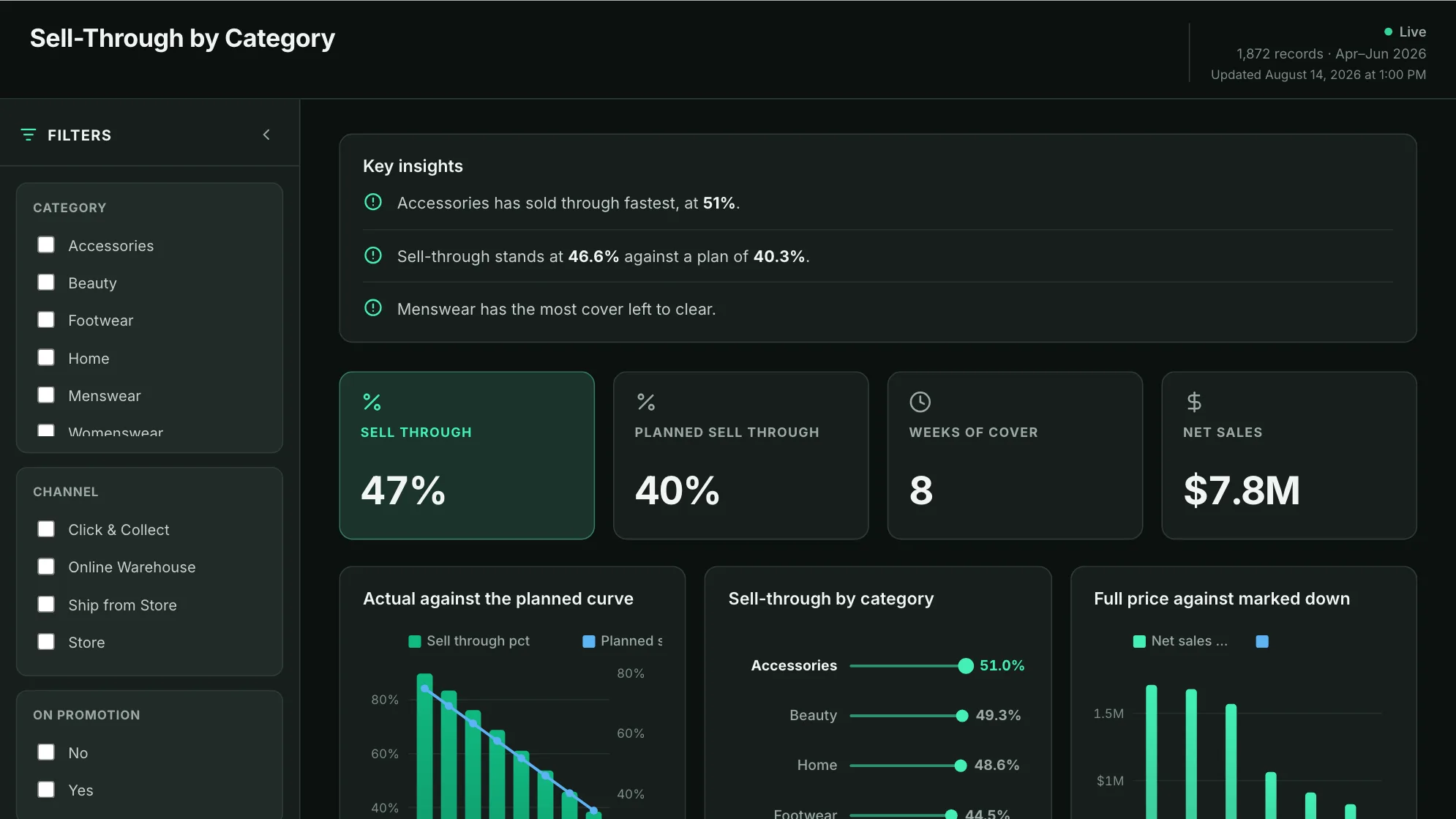
Sample data: illustrative figures, not business results. Sell-through dashboard
Is the season selling through at the rate the buy was planned on?
See it full size →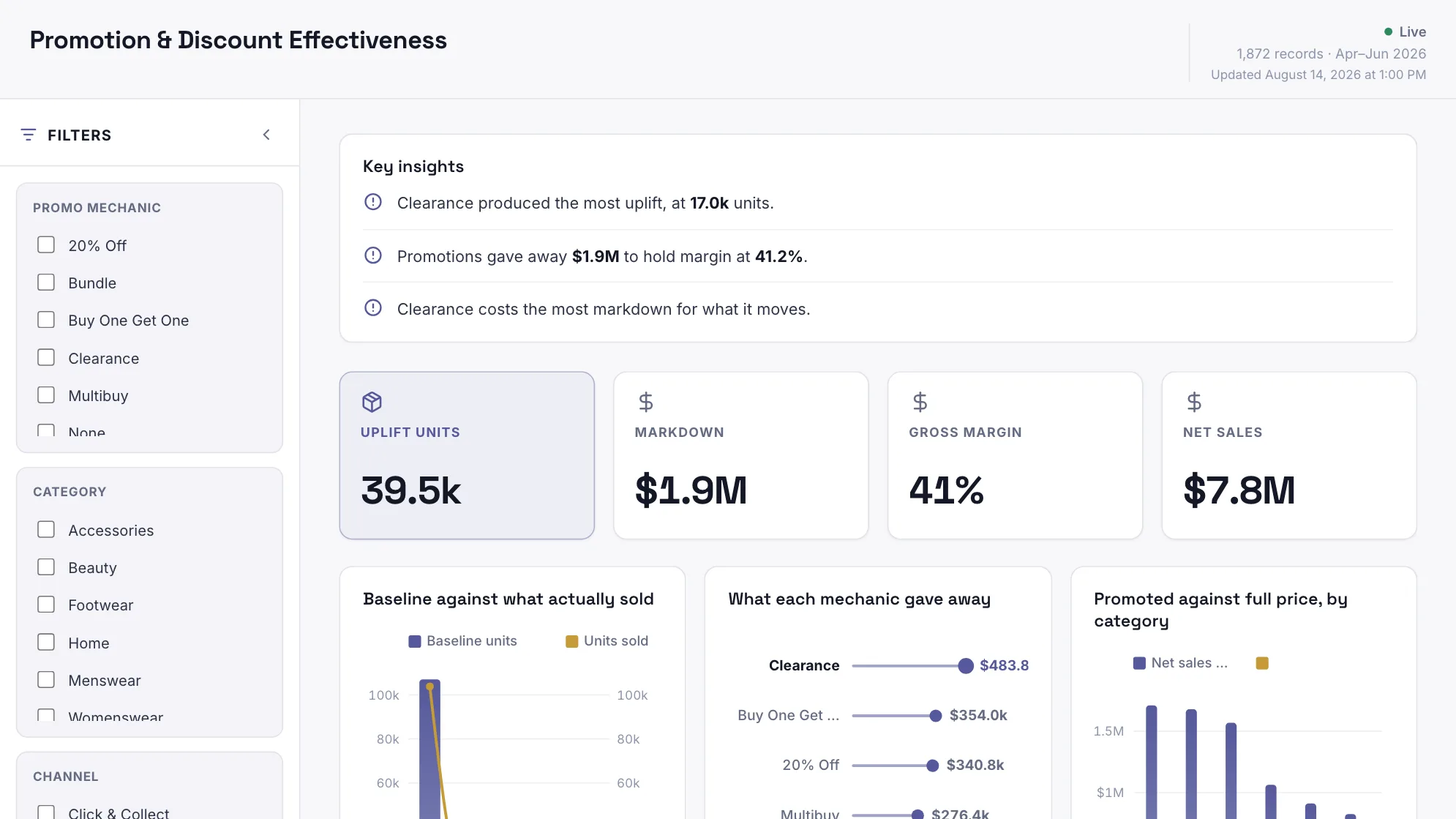
Sample data: illustrative figures, not business results. Retail promotion dashboard
Did the promotion make money, or just move it?
See it full size →
Before you ask
The questions this industry always raises
Does it work with Nielsen data?
Will it handle our volume?
Do we have to give up Power BI?
How current will the numbers be?
Does every sales and category manager need a paid seat?





See it on your own data.
Start free and connect one source, or book a demo if you'd rather we scoped it with you first.
- ✓ 14-day Pro trial · No credit card