Sisense Pricing Guide 2026: Costs & Plans Broken Down
Looking for Sisense pricing information? We've done all the research so you don't have to. This guide breaks down the real costs and hidden fees of Sisense.
Sisense doesn’t list pricing publicly, and most teams don’t get a clear number until they’ve gone through multiple sales calls.
Even then, the quote often doesn’t reflect the real cost (time, complexity, support needs, and internal resources add up fast).
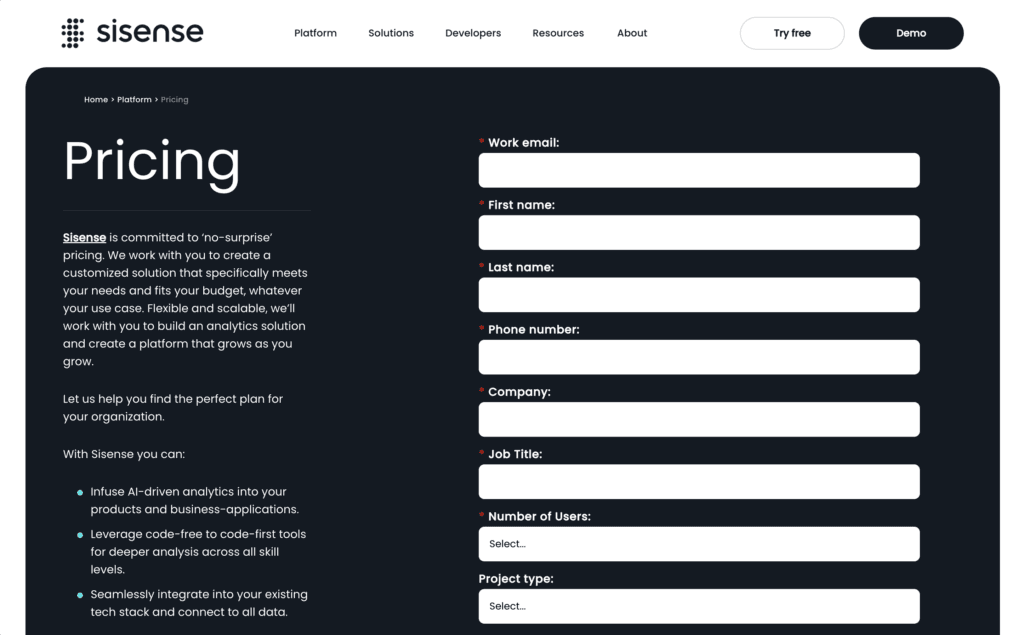
Checked on 16 August 2026: Sisense's pricing page shows two tiers: a Self-Serve plan with a free trial, and an Enterprise plan built to your specifications. No figures are published for either.
⚠️ So any Sisense dollar figure you find, here or elsewhere, is a third-party report.
In this article, we’ll break down what Sisense typically costs (based on real user feedback), and what hidden costs to watch out for.
If you want to move fast and don’t have a team of data engineers on call, keep reading.
If you’ve searched for Sisense pricing, you’ve probably hit a wall.
There’s no public pricing, and most estimates are vague. “Custom pricing,” “flexible plans” or “contact sales.”
But based on buyer reviews, analyst reports, and industry chatter, here’s what we know:
Entry-level contracts typically start around $25,000/year
Costs rise sharply as you add users, connectors, data sources, or advanced features
Enterprise deployments often run well into six figures annually
Implementation and support are not included in the base pricing
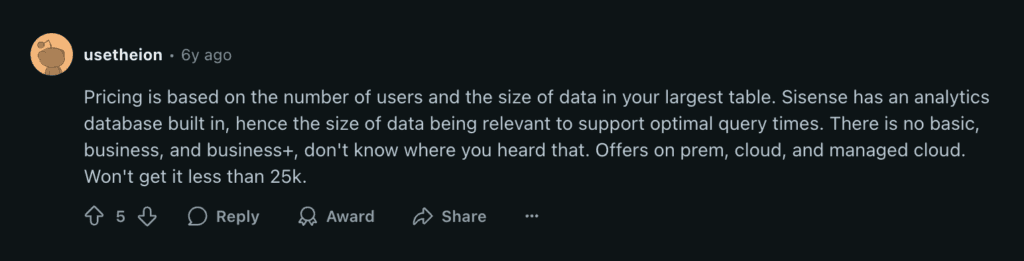
“Pricing is based on the number of users and the size of data in your largest table. Won’t get it less than 25k.”. Source: Reddit
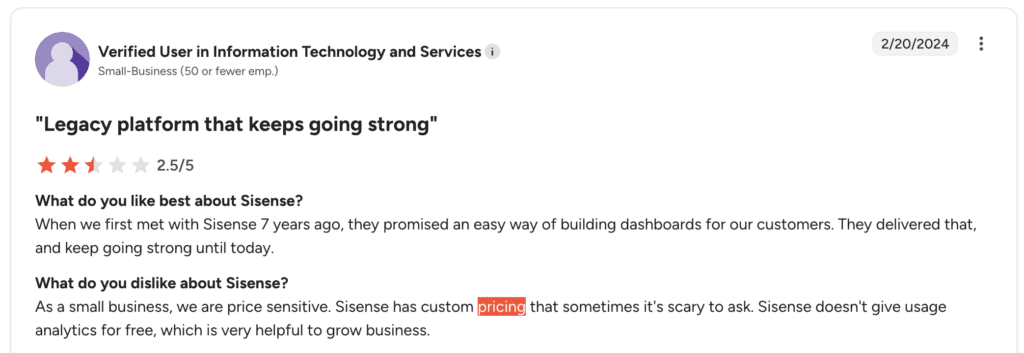
“Sisense has custom pricing that sometimes it’s scary to ask. Sisense doesn’t give usage analytics for free, which is very helpful to grow business.” _, _ Source: [G2](<Source: G2>)
In other words: Sisense’s pricing isn’t just opaque, the total cost of ownership can grow fast, especially if you don’t have a dedicated engineering team to manage the platform.
And that’s before you even build your first dashboard.
Even if you negotiate a fair contract with Sisense, that number rarely tells the full story.
The real costs show up later. In implementation delays, technical dependencies, and time your team loses just trying to get answers from your data.
Here’s what we hear again and again from teams switching off Sisense:
Weeks of setup before anything works. You’ll need IT to handle integrations, data modeling, and troubleshooting.
Heavy reliance on technical staff. Even basic changes can require a developer, or a support ticket.
Slow time-to-value. Some teams wait months before a single dashboard goes live.
Ongoing maintenance. Data breaks. Pipelines fail. And someone on your team has to fix it.
“There is a big learning curve, both during the initial setup and as you continue to use the platform. Navigating through its various features and functionalities may require significant time and effort, especially for those who are newer to the tool.” _, _ Source: G2
And that’s the real issue. Sisense (like many legacy BI tools) isn’t built for non-technical users. It’s powerful, but only if you have the time, budget, and technical firepower to unlock it.
If that’s not your situation, the platform may feel more like a burden than a solution.
If your team doesn’t have data engineers on call, or just wants answers without waiting weeks, Mammoth might be a better fit.
Where Sisense requires setup, scripts, and support tickets, Mammoth works out of the box.
It’s a cloud-based, no-code platform that lets business users connect, clean, and automate data workflows. Then, push it straight into tools like Power BI or Tableau.
No engineering. No black boxes. No 90-day onboarding cycle.
And the difference shows up fast.
Paid plans start at $39/month a month, billed annually, and every plan is published.