The 10 Best Marketing Dashboard Software Tools in 2026
Marketing dashboard software puts your ad, analytics and CRM numbers on one screen. Ten tools compared on what they cost as you add channels and clients, with every price read off the vendor's own page.

· 11 min read
The short answer
Looker Studio is free and fine if your data lives in Google. AgencyAnalytics at $20 per client a month is the simplest bill for an agency. DashThis from $44 a month is the quickest way to a monthly report. Mammoth suits teams that need every channel counted the same way before they compare them, because it cleans and joins the data in the same tool that publishes the dashboard. Before you pick, find out what the tool charges for: data sources, dashboards, clients or users. That line decides your bill.
AI dashboards built from your own data.




Table of contents
- The best marketing dashboard software
- What to check before you choose
- Marketing dashboard software compared
- 1. Mammoth: best for comparing channels on one set of numbers
- 2. Looker Studio: best free option
- 3. AgencyAnalytics: best for agencies billing per client
- 4. DashThis: best for quick monthly reports
- 5. Databox: best for goals and alerts
- 6. Klipfolio: best for numbers that need to stay fresh
- 7. Supermetrics: best for feeding tools you already use
- 8. Whatagraph: best for large agencies
- 9. Funnel: best for big ad budgets
- 10. Power BI: best for Microsoft teams
- What marketing dashboard software costs for 10 clients
- Which marketing dashboard software should you choose?
- Frequently asked questions
Marketing dashboard software pulls the numbers from your ad platforms, web analytics and CRM onto one screen, so you can see what each channel costs and what it brings back.
I compared ten of the most used tools. This post covers what each one costs, who it suits, and where it falls down. Every price below came off the vendor's own pricing page on 8 October 2026.
The best marketing dashboard software
- 1. Mammoth: best for comparing channels on one set of numbers
- 2. Looker Studio: best free option
- 3. AgencyAnalytics: best for agencies billing per client
- 4. DashThis: best for quick monthly reports
- 5. Databox: best for goals and alerts
- 6. Klipfolio: best for numbers that need to stay fresh
- 7. Supermetrics: best for feeding tools you already use
- 8. Whatagraph: best for large agencies
- 9. Funnel: best for big ad budgets
- 10. Power BI: best for Microsoft teams
What to check before you choose
Two things separate these tools more than any feature list does.
What the bill counts. Some tools charge per data source, some per dashboard, some per client and some per user. A marketing team adds channels over time and an agency adds clients, so find the unit that grows with your work. That's where the price goes up.
Whether channels end up on the same terms. Google Ads, Meta and LinkedIn each count a conversion their own way, so the same week can show three different totals for the same sales. Most tools here put each platform's numbers side by side as the platform reports them. Fewer let you set one definition and apply it to every channel before you compare. If you're deciding where next month's budget goes, that difference matters more than the chart styles.
Marketing dashboard software compared
| Tool | Best for | Starts at |
|---|---|---|
| Mammoth | Comparing channels on one set of numbers | Free plan, paid from $39/month |
| Looker Studio | Best free option | Free |
| AgencyAnalytics | Agencies billing per client | $20 per client a month |
| DashThis | Quick monthly reports | $44 a month |
| Databox | Goals and alerts | Free plan, then $71 a month |
| Klipfolio | Numbers that need to stay fresh | $120 a month |
| Supermetrics | Feeding tools you already use | €39 a month |
| Whatagraph | Large agencies | €999 a month |
| Funnel | Big ad budgets | €280 a month |
| Power BI | Microsoft teams | $14 per user a month |
Prices are the annual-billing rates on each vendor's pricing page, read on 8 October 2026. Whatagraph, Funnel and Supermetrics show euros from where I checked.
1. Mammoth: best for comparing channels on one set of numbers
Mammoth Analytics is our product, so weigh this entry with that in mind.
Mammoth is a data platform that connects to your sources, cleans and joins the data, and builds dashboards from it with an AI dashboard generator. For marketing, Google Ads, Meta Ads, LinkedIn Ads, GA4 and HubSpot connect directly. They're among Mammoth's 100+ tested connectors, and anything with a REST API connects too. For the two biggest there are ready-made templates: a Google Ads dashboard template and a Meta Ads dashboard template.
The reason it's first is the problem in the section above. Say one ad platform credits a sale to any click from the past week, while your CRM only counts closed deals. Mammoth lets you set one rule for what counts, apply it to every channel, and keep that rule running each time the data refreshes. The dashboard then compares channels that were measured the same way.
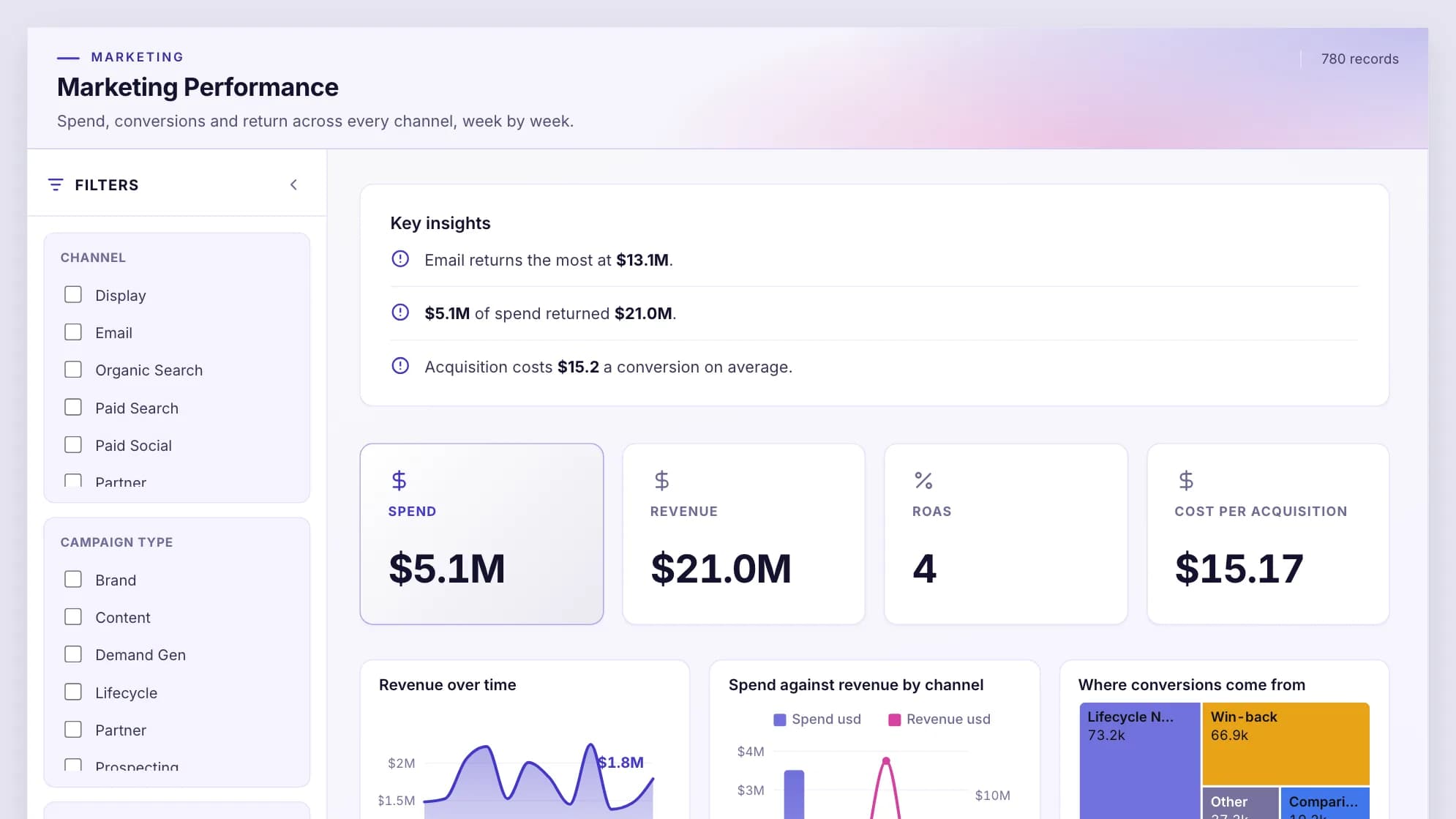
Dashboard viewers are free and unlimited on every plan, so a client or a whole sales team can open a board without a licence. On Pro, Row-Level Security lets one dashboard serve every client, with each client seeing only their own rows. Pro also adds your logo and your own domain.
Where it falls down: it's more tool than you need if you only want each platform's numbers in one place. And the free plan reads files and databases only, so ad-platform connectors start on Starter, which refreshes weekly. Daily refresh starts on Team. You can see finished boards in our marketing dashboard examples.
| Plan | Per month, billed annually | Billed monthly | Builders |
|---|---|---|---|
| Free | $0 | $0 | 1 builder |
| Starter | $39/month | $49/month | 2 builders |
| Team | $149/month | $189/month | 5 builders |
| Pro | $499/month | $629/month | 15 builders |
| Enterprise | From $5,000/month | Annual only | Unlimited |
Viewers are free and unlimited on every plan, because only builders count. Storage is a separate axis: every paid plan includes 10 GB, and more costs the same on any plan (+$100/month for 50 GB, +$300/month for 250 GB, +$800/month for 1 TB, billed annually). Free holds 1 GB. Every account starts with 14 days of Pro, no credit card.
Connect your ad platforms, set one definition of a conversion, and publish the dashboard from the same place. Viewers are free on every plan.
2. Looker Studio: best free option
Looker Studio is Google's free report builder. Google has since renamed it Data Studio again, and both names point to the same product.
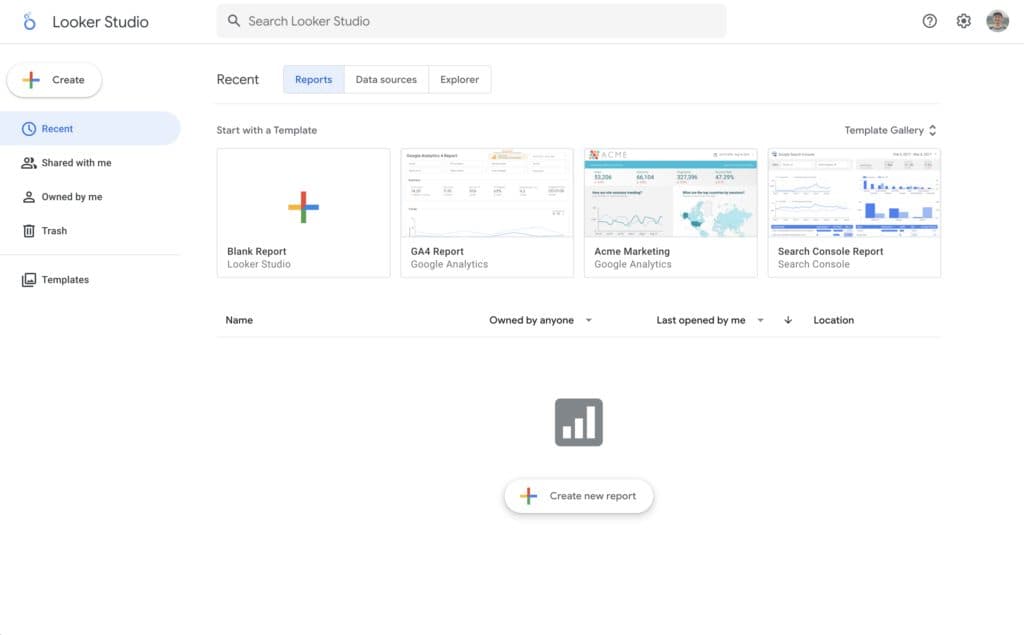
Building and viewing reports costs nothing. The paid version, Data Studio Pro, is $9 per user per project per month and adds team management and support. You can blend up to five data sources into one chart, which covers simple cross-channel views.
The catch is the connectors. Google's own connectors cover Google's products, such as Ads, Analytics, Sheets and BigQuery. For Meta, LinkedIn or most other platforms you need a partner connector, and those are usually paid. Supermetrics, further down this list, is one of the common ones. Our Looker Studio pricing guide has the full cost picture.
Pricing: Free, with Pro at $9 per user per project a month.
3. AgencyAnalytics: best for agencies billing per client
AgencyAnalytics is client reporting software for marketing agencies. It charges one flat price per client, which makes the bill easy to pass on. Ten clients cost $200 a month.
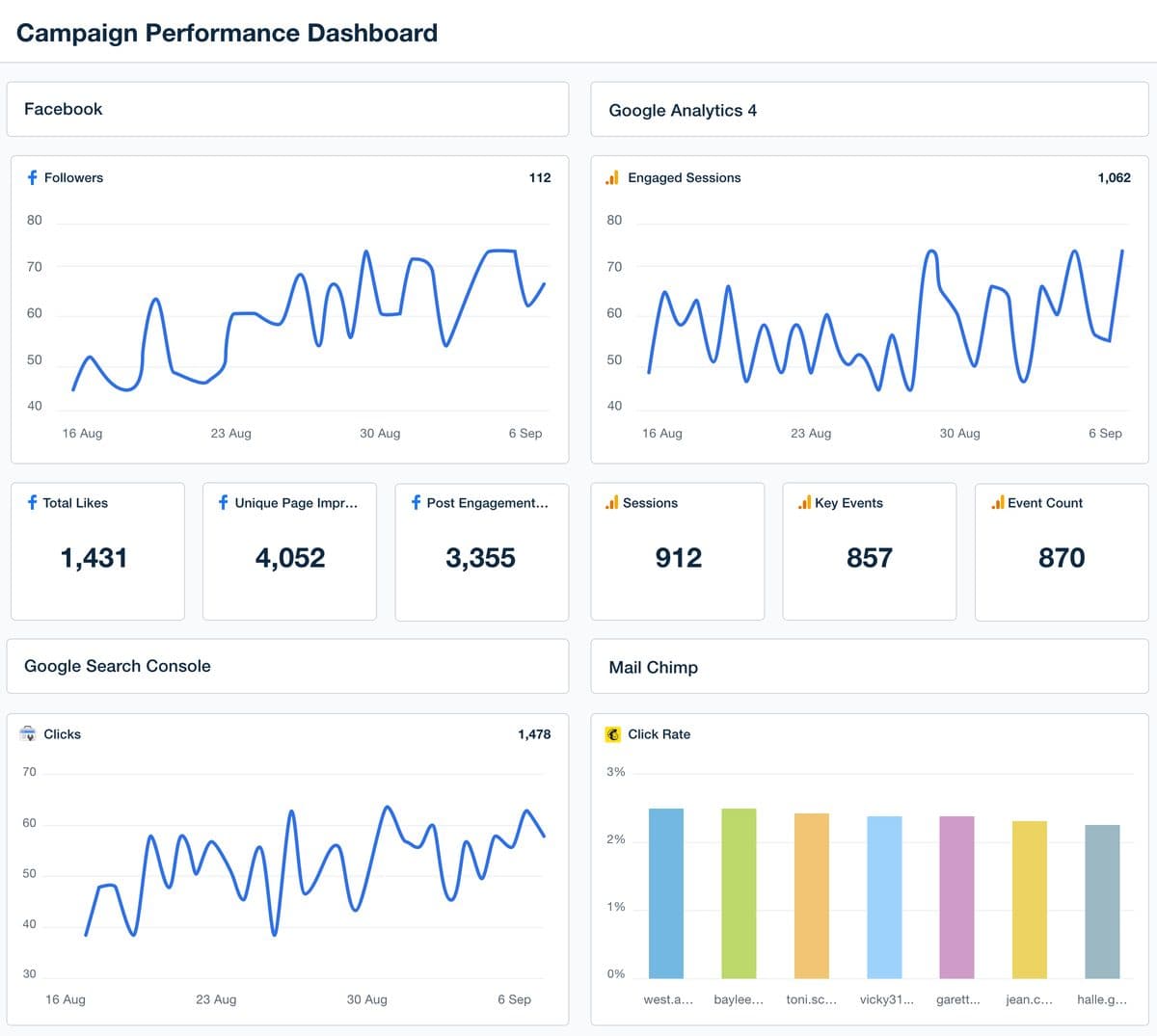
Each client includes unlimited data sources, reports and staff accounts, from more than 85 marketing integrations. You also get a white-labeled client portal, goals and alerts. Agencies with more than 25 clients can ask for volume pricing.
Where it falls down: the per-client price suits agencies, but an in-house team reporting on one business pays for a model built around many. And like most tools here, it shows each platform's numbers as that platform reports them.
Pricing: $20 per client a month, billed annually, with a 14-day free trial.
4. DashThis: best for quick monthly reports
DashThis builds marketing reports from preset templates. You connect your platforms, pick a template, and the report fills itself each month.
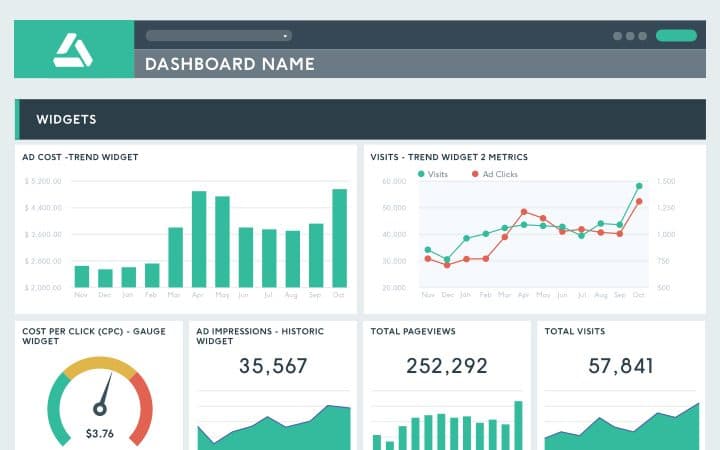
DashThis prices by dashboard, where one dashboard is one marketing report. Individual gives you 3 dashboards for $44 a month. Professional gives 10 for $139, and Business gives 25 for $279. Every plan includes unlimited users.
Where it falls down: it reports what happened. There's little room to reshape the data before it reaches the report. If two platforms define a conversion differently, the report shows both numbers.
Pricing: From $44 a month, billed annually.
5. Databox: best for goals and alerts
Databox is a dashboard tool for small and mid-sized teams. It's strongest at tracking numbers against goals and flagging changes.
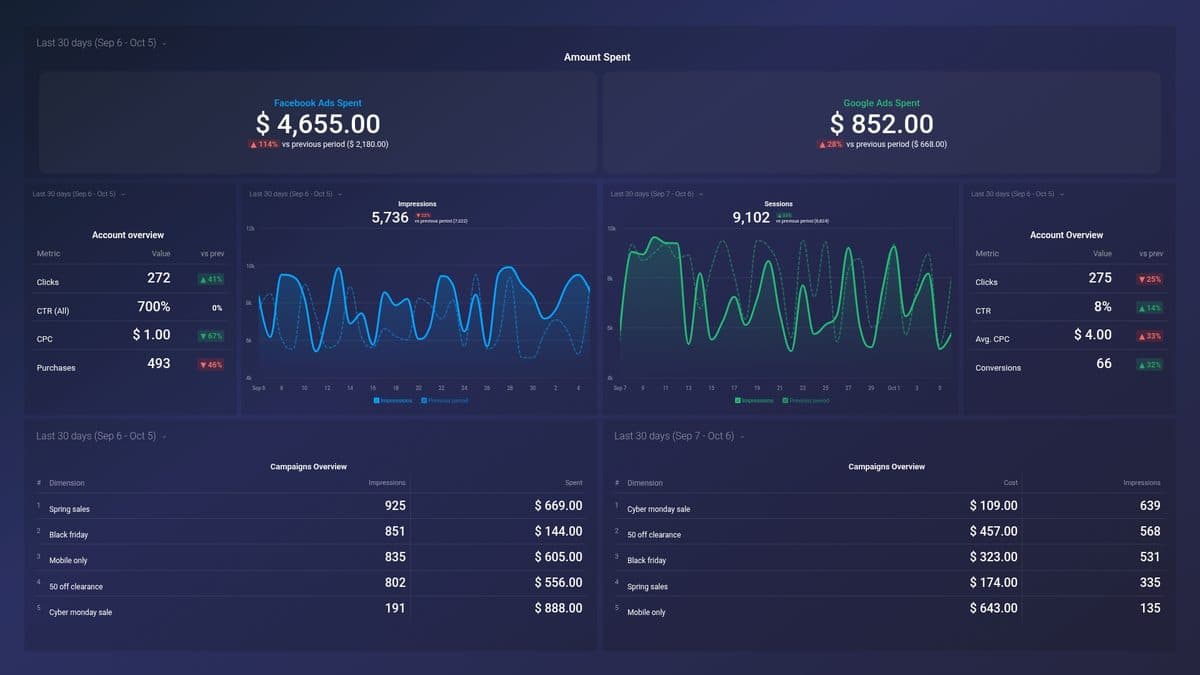
There's a free plan with one user and three data sources. Analyst is $71 a month for one user and five sources, and Team is $199 for three users and ten sources. The Agency plan starts at $79 a month with four client accounts and 20 data sources. Each extra account pack costs $20 a month and adds one account and five sources.
Where it falls down: data sources are capped on every plan, and a growing marketing stack hits those caps quickly. Our Databox alternatives guide covers the tools teams move to.
Pricing: Free plan, then from $71 a month, billed annually.
6. Klipfolio: best for numbers that need to stay fresh
Klipfolio is a dashboard tool with more data modelling than most on this list, including joins between sources on every plan.
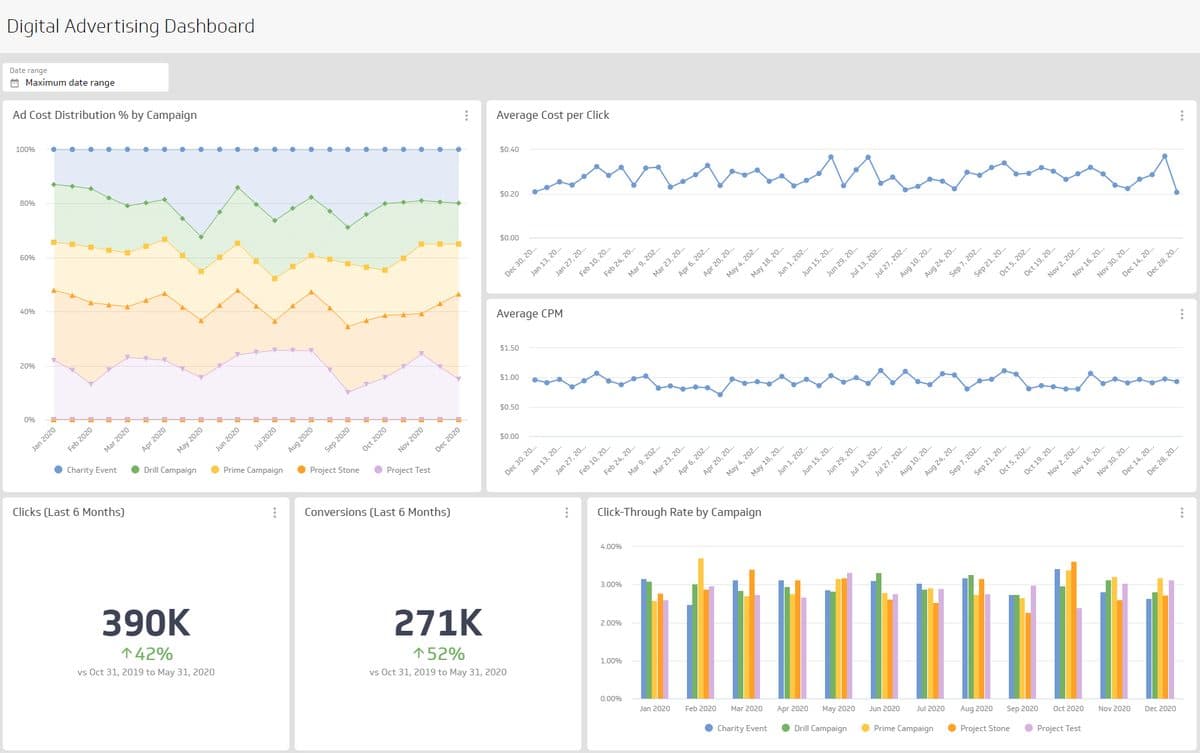
It prices by dashboard count and refresh speed. Faster numbers cost more. Base is $120 a month for 3 dashboards refreshed every four hours. Grow is $190 for 10 dashboards refreshed hourly, and adds published links and scheduled reports. Team is $310 for 20 dashboards on a 15-minute refresh. All plans include unlimited users.
Where it falls down: sharing a dashboard by link starts on Grow, so Base is mostly for internal viewing. And the dashboard limits are low if every client or campaign needs its own board.
Pricing: From $120 a month, billed annually.
7. Supermetrics: best for feeding tools you already use
Supermetrics is a connector, not a dashboard. It pulls data from ad platforms and sends it to the tool where you build reports, such as Looker Studio, Google Sheets, Excel or Power BI.
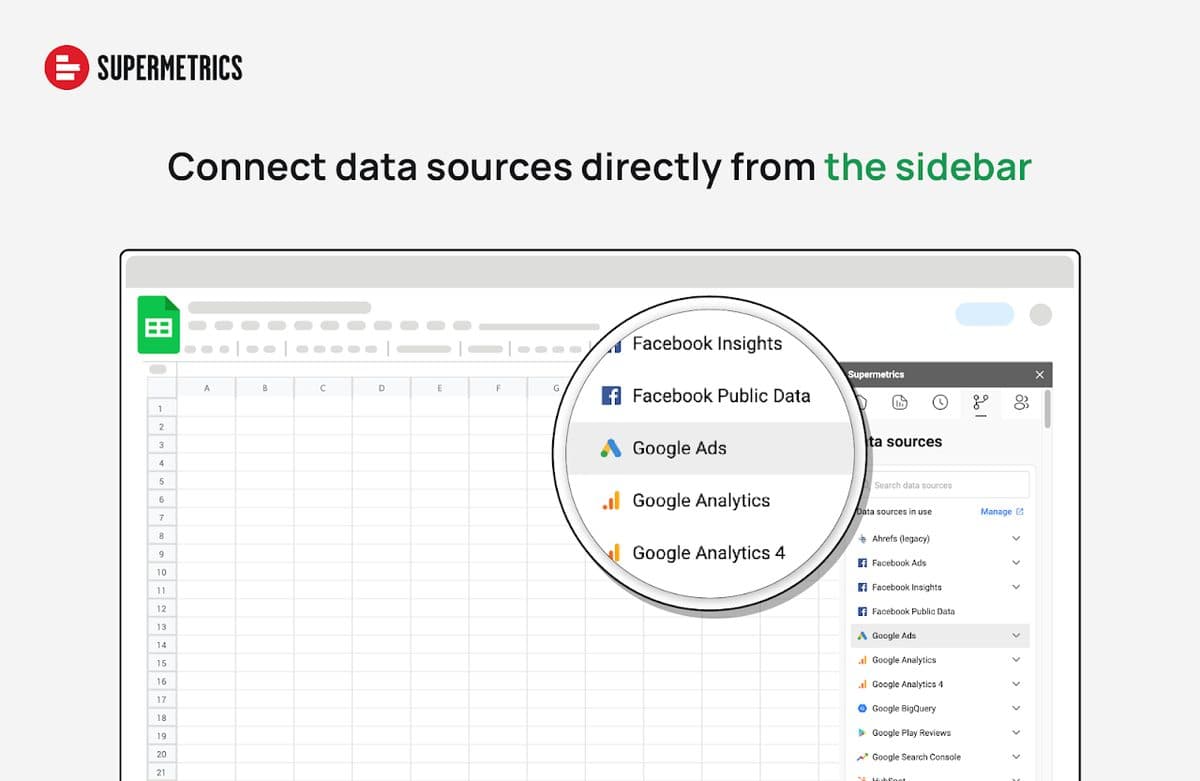
Starter is €39 a month for one user, one destination and two data sources. Growth is €159 for two users and seven sources. Extra destinations, users, sources and ad accounts are each charged monthly, up to a cap per plan. Data transformations, such as blending sources and building your own metrics, are listed on the Enterprise plan.
Where it falls down: you still need a dashboard tool, so the real cost is Supermetrics plus that tool. Our Supermetrics pricing guide works through the extras.
Pricing: From €39 a month, billed annually.
8. Whatagraph: best for large agencies
Whatagraph is marketing reporting software that has moved toward large agencies. It now sells two plans, Max and Prime.
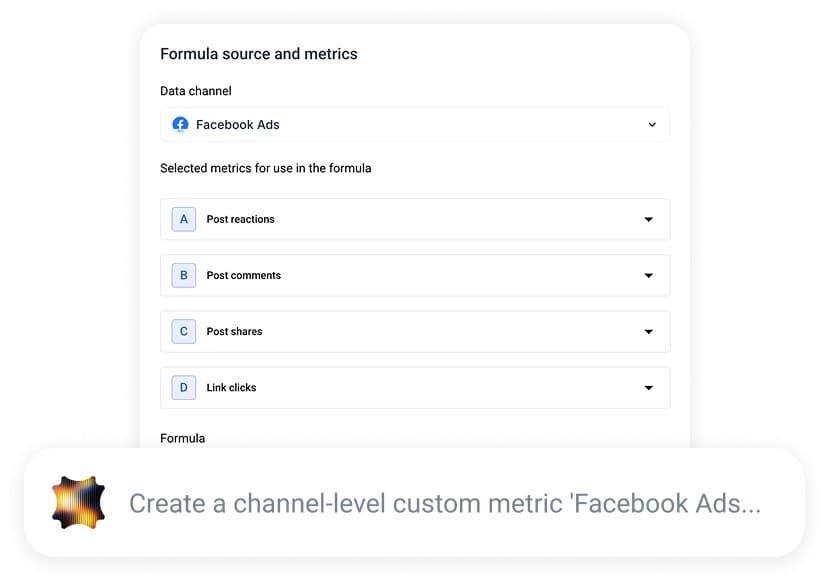
Max starts at €999 a month billed annually, with unlimited users and reports. It's priced in source credits, where one credit is one connected account, such as one Facebook Ads account, and Max starts at 50. It includes data blends, white-label reports and alerts. Prime is a custom quote.
Where it falls down: the entry price is out of reach for a small team or a single business. Below a few dozen connected accounts, the cheaper tools on this list cover the same reporting.
Pricing: From €999 a month, billed annually.
9. Funnel: best for big ad budgets
Funnel is a marketing data platform. It collects data from your ad and analytics platforms, stores it, and lets you apply your own business rules before the data goes anywhere else.
Funnel Data Hub starts at €280 a month billed annually, with 117 connectors and 13 destinations to choose from. Funnel Measure, which adds attribution, starts at €560. The pricing page asks for your monthly ad spend when sizing a plan.
Where it falls down: Funnel is the data layer. Most teams still send its data on to a dashboard tool. That makes it a better fit for large budgets than for a team that wants one tool.
Pricing: From €280 a month, billed annually.
10. Power BI: best for Microsoft teams
Power BI is Microsoft's business intelligence tool. It's a general BI platform rather than a marketing tool, so it can do far more than marketing dashboards and takes longer to set up.
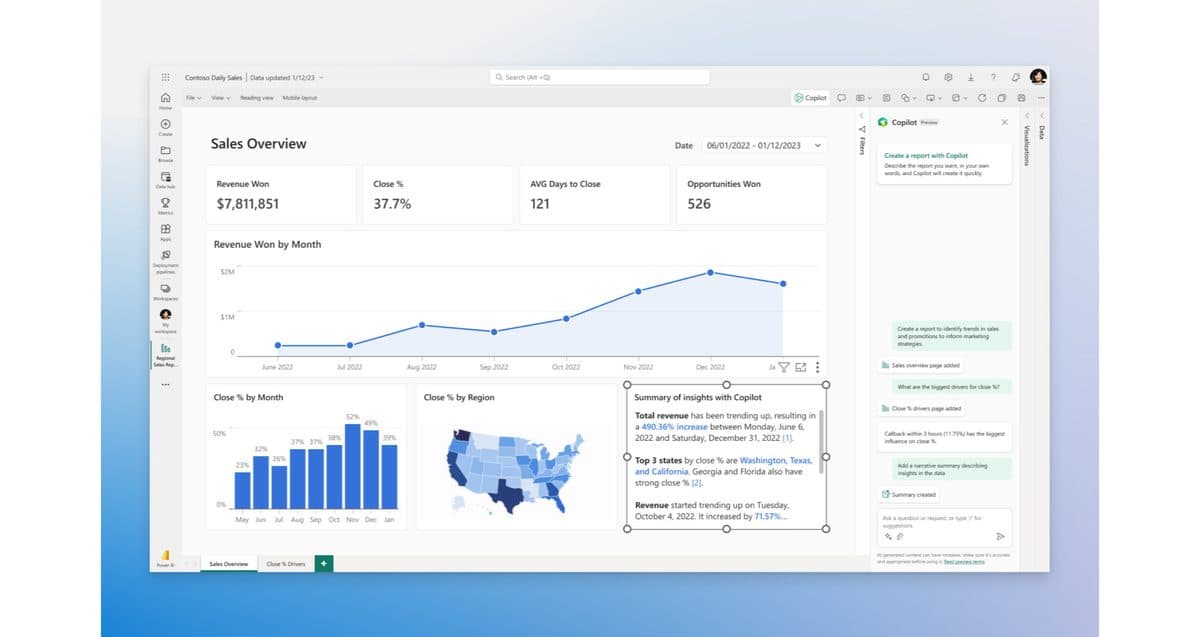
Power BI Pro is $14 per user per month and Premium Per User is $24, both paid yearly. Outside Microsoft's larger capacity plans, everyone who views a shared report needs a licence, including people who only read it.
Where it falls down: it's built for analysts, so it takes more setup than the marketing tools here, and the per-viewer licence adds up when a whole team needs to see the numbers. Our Power BI pricing guide covers the full licence picture.
Pricing: From $14 per user a month, paid yearly.
What marketing dashboard software costs for 10 clients
Here's one setup priced on the five tools with clear units: an agency reporting on 10 clients, each with Google Ads, Meta Ads and GA4 connected. That's 10 dashboards and 30 connected accounts, billed annually.
| Tool | Plan that fits | Monthly cost |
|---|---|---|
| DashThis | Professional: 10 dashboards, 40 sources | $139 |
| Klipfolio | Grow: 10 dashboards | $190 |
| Databox | Agency, plus 6 account packs | $199 |
| AgencyAnalytics | 10 clients at $20 | $200 |
| Whatagraph | Max, 30 of its 50 credits used | €999 |
The Databox line is $79 for the first four accounts, plus six packs at $20 each for the other six. Those packs also bring the source limit to 50, which covers the 30 needed.
The order changes as you grow. At 25 clients, DashThis needs Business at $279, Databox reaches $499 and AgencyAnalytics $500 before any volume discount. Klipfolio's Team plan stops at 20 dashboards, so 25 boards means Team+ at $600.
Which marketing dashboard software should you choose?
- Your data is mostly in Google: Looker Studio, free.
- You're an agency and want a bill you can pass on: AgencyAnalytics at $20 per client.
- You want a monthly report with the least setup: DashThis.
- You need channels compared on the same definition: Mammoth.
- You have a large ad budget and a data team: Funnel, with a dashboard tool on top.
Frequently asked questions
What is marketing dashboard software?
Marketing dashboard software collects data from your ad platforms, analytics and CRM and shows it on one screen. Most tools refresh the numbers on a schedule, so the dashboard stays current without anyone copying figures across.
Is there free marketing dashboard software?
Yes. Looker Studio is free to build and view reports in, and Databox and Mammoth both have free plans. Looker Studio needs a paid partner connector for most non-Google platforms, and Mammoth's free plan reads files and databases rather than ad platforms.
How much does marketing dashboard software cost?
Most paid tools here start under $200 a month. DashThis starts at $44, Klipfolio at $120 and Databox's paid plans at $71. Tools aimed at large agencies cost more, with Whatagraph from €999 a month.
What should a marketing dashboard show?
It should show what each channel costs and what it returns, such as spend, conversions, cost per acquisition and return on ad spend. Our marketing dashboard examples show finished boards built on sample data.















