Integration guides
These guides are for analysts and administrators who need to connect Mammoth to a specific platform for CRM, visualization, or warehousing. Each guide covers what is unique to that pairing, such as authentication, field mapping, destination configuration, and troubleshooting, and links to the Learn reference docs for the general mechanics.
If you want a workflow built around a business outcome instead of a tool pairing, such as sales reporting or operational dashboards, see Use cases.
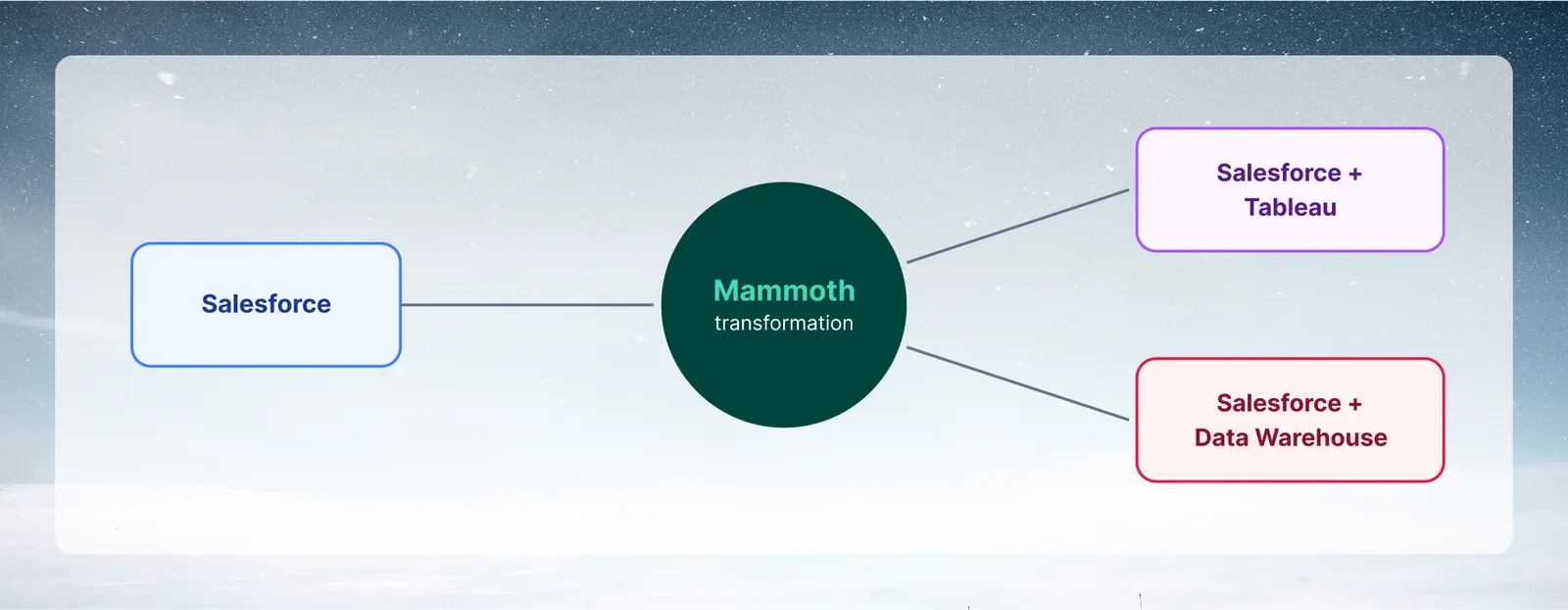
Integration guides
| Guide | Direction | What it covers |
|---|---|---|
| Salesforce + Tableau | Salesforce → Mammoth → Tableau | Sales pipeline analytics with Tableau visualization |
| Salesforce + Data Warehouse | Salesforce → Mammoth → BigQuery, PostgreSQL, SQL Server, or Redshift | CRM data in the warehouse, clean and transformed |
| SharePoint client credentials | SharePoint → Mammoth | Register a Microsoft Entra ID app so Mammoth can download files from SharePoint |
Available connectors
Mammoth's Connectors catalog (reached via New Dataset → Connector) includes pre-built connectors across databases, cloud storage, CRM, analytics, e-commerce, and accounting. See the full Connectors overview for a complete comparison table.
Databases
PostgreSQL · MySQL · SQL Server · MongoDB · Snowflake · BigQuery · Hadoop (Hive) · Parquet (Azure) · REST API
Cloud storage
Google Drive · Google Sheets · Google Cloud Storage · Dropbox · SFTP · SharePoint
CRM and marketing
Salesforce · HubSpot · Mailchimp · SendGrid
Analytics and advertising
Facebook Ads Manager · Google Analytics Universal
E-commerce
Accounting
Tip: Sources and destinations
Mammoth integrations work in two directions: sources (data coming in) and destinations (data going out). Most integrations involve both—clean data in Mammoth, results pushed to a BI tool or warehouse. See Export and share for the full list of supported output targets.