Monday.com connector
The Monday.com connector imports board and item data from your monday.com account into Mammoth as a dataset. Authentication uses a monday.com personal access token—no OAuth flow required.
Before you start
You need:
- A monday.com account with access to the boards you want to import
- A monday.com personal access token
Get a personal access token
Copy your personal API token from your monday.com account, or generate a new one. See monday.com's documentation for where to find it.
Step 1: Select the Monday.com connector
- In Mammoth, go to Data Library and click + New Dataset
- Select Connectors
- Search for Monday.com or find it in the CRM & Marketing category
- Click the Monday.com tile
Step 2: Create a connection
Click New Connection to open the credential form.
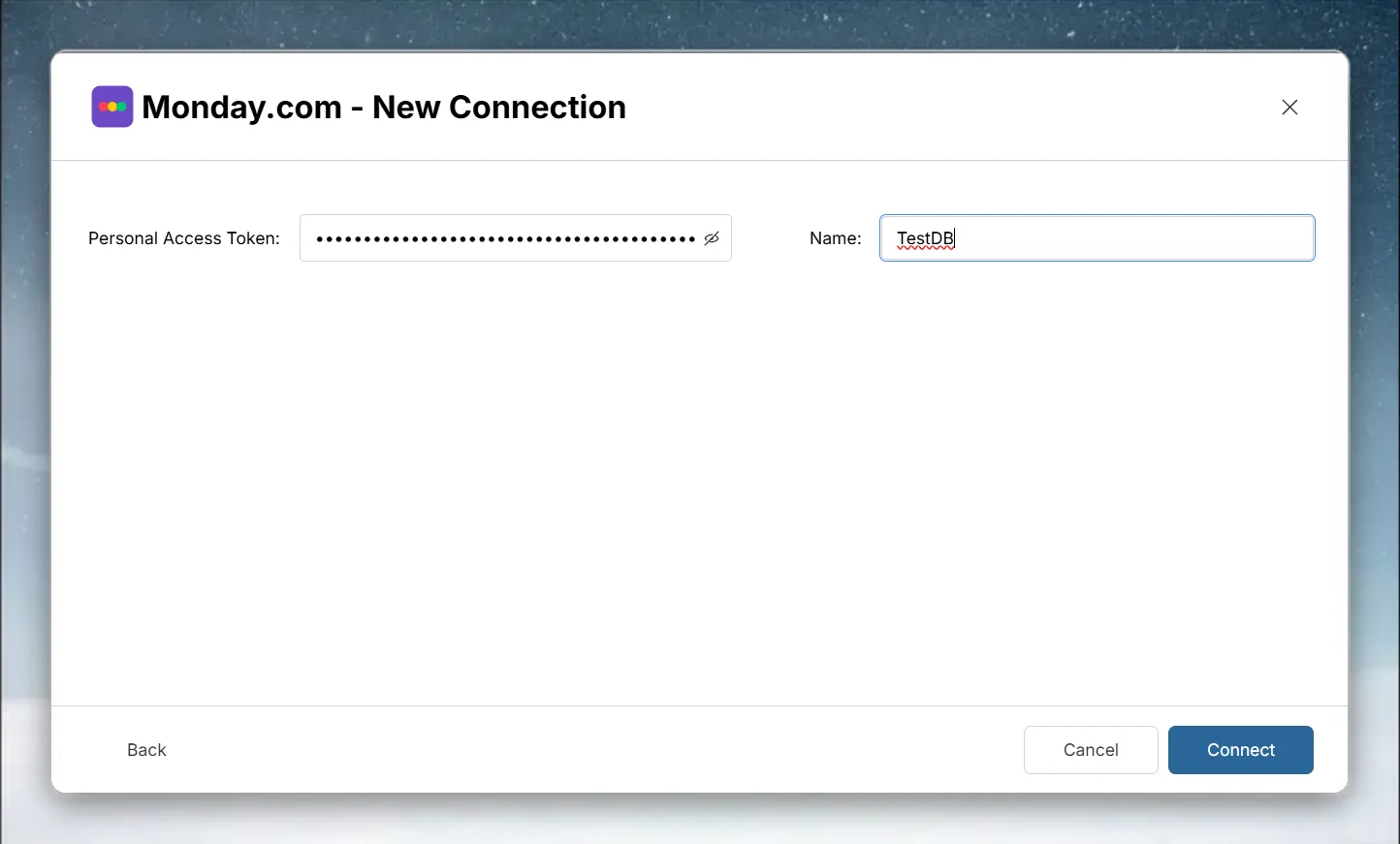
| Field | Description |
|---|---|
| Personal Access Token | Your monday.com API token |
| Name | A label for this connection (required) |
Click Connect. Mammoth validates the token and saves the connection; if validation fails, the error message appears at the bottom of the form.
Step 3: Select a monday.com table and query your data
Select the connection under Existing Connections to open the query builder. The List of tables panel shows the tables this connector exposes. Click a table to load a SELECT * query for it and its preview.
Write a custom monday.com query
Edit the SQL in the Enter SQL query editor and click Run. Use the table and column names shown in the table list and the preview.
See Understanding data preview & query for a full guide.
Step 4: Save the monday.com dataset
- Enter a dataset name in the Save table as field (e.g., "Monday Project Tracker")
- Check the Update Method (the default is Replace all data). To change it, click the edit icon, pick an option, and click Save changes:
- Replace all data—Replaces all existing data
- Add new data—Adds new data based on a unique sequential column
- Replace with new data—Replaces existing data with new data based on a unique sequential column For Add new data and Replace with new data, also choose a Key column—a numeric or date column with incrementing values, such as an ID or a date.
- Click Save as dataset. When the dataset is saved, click Done
Troubleshoot monday.com connections
Authentication fails
- Mammoth shows "Invalid or expired API token. Please check your Monday.com API token." when the token is rejected
- Confirm the personal access token was copied completely and hasn't been regenerated (which invalidates the old token) since you created the connection
Board not visible
- Confirm the token owner has access to the board in monday.com