Workspaces, projects and roles in Mammoth explained
A workspace is your organisation's Mammoth account; a project is an area inside it for one team, with its own members, data and connections. Workspace roles decide who manages the account, and project roles decide who can see and change each project's data. For how these fit with datasets and views, see Core ideas.
Workspace: your organisation's Mammoth account
A Workspace is your organisation's Mammoth environment, like a Google Workspace or Slack workspace. You create or join one when you sign up. It holds your plan and billing, users and their workspace roles, settings, and all your projects. You can belong to more than one workspace, and each is kept separate from the others.
Your plan sets the workspace's storage, user count and other allowances (Limits and quotas). You work at this level to set up your account, add or remove team members, manage the plan, or, as an Owner, look across projects.
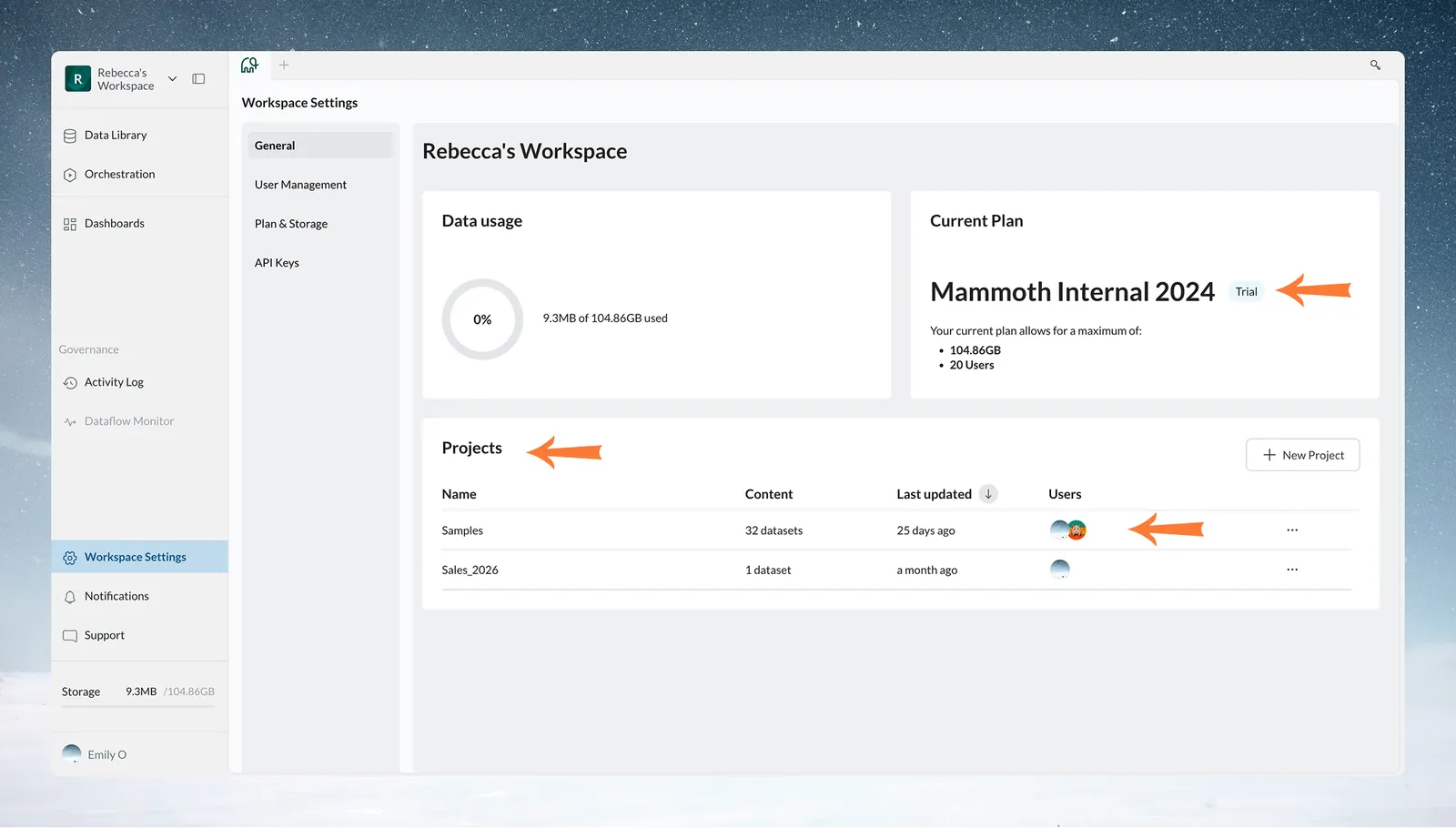
What Workspace Owners and Workspace Members can do
A workspace can have more than one Owner.
| Role | Can |
|---|---|
| Workspace Owner | Manage the subscription, payment settings and plan. Invite, change and remove workspace users. See every project's name, add users to any project, and delete any project. Add, edit and delete external service API keys |
| Workspace Member | Create projects. Create and delete workspace API tokens. View and export the Activity Log. Work in the projects they are added to, with the project role they are given |
On the Pro plan you can also build custom workspace roles. For every capability, see Members, roles and custom roles.
Project: a separate area for one team
A Project is an area in the workspace for one team, department or initiative, like a shared drive with its own member list. Every dataset belongs to exactly one project. A project holds its datasets, folders and views (listed in its Data Library), connections with their credentials, automations, Parameters and Snippets, and dashboards built on its data.
People see a project's data only when they are a member. The access setting is Everyone in this workspace, Some people in this workspace or Only me. Connection credentials stay with the project, so database access is controlled at the team level. See Projects.
Project Admin, Project Editor and Project Viewer
| Role | What it can do |
|---|---|
| Project Admin | Edit project settings, add and remove members, create, update and delete connections, delete the project, plus everything an Editor can do. The person who creates a project is its Project Admin. |
| Project Editor | Create, edit and delete datasets, views and pipelines, and create or change queries from connections. Can't manage project settings or members. |
| Project Viewer | View Data Library items, read-only. |
On the Pro plan you can add custom project roles.
Organise projects by who needs access
Teams organise projects by department ("Marketing", "Finance", "Operations"), initiative ("Q4 Sales Analysis", "Customer Churn Study") or data source ("Salesforce Data", "Financial System Data"). Base them on who needs which data, not only your org chart. Two teams that use the same database credentials either share a project or each set up their own connection.
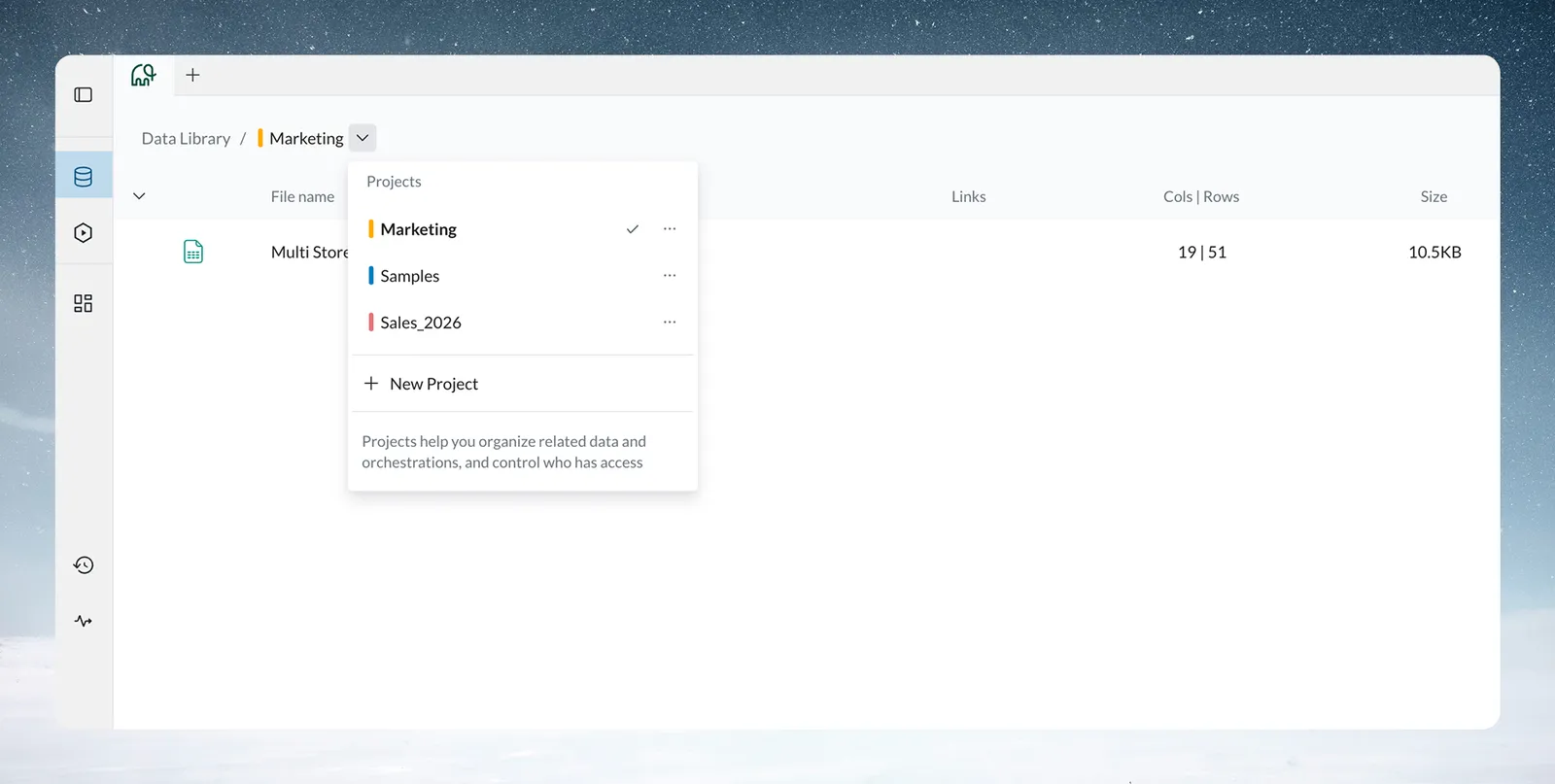
You can also see the project list in Workspace Settings.
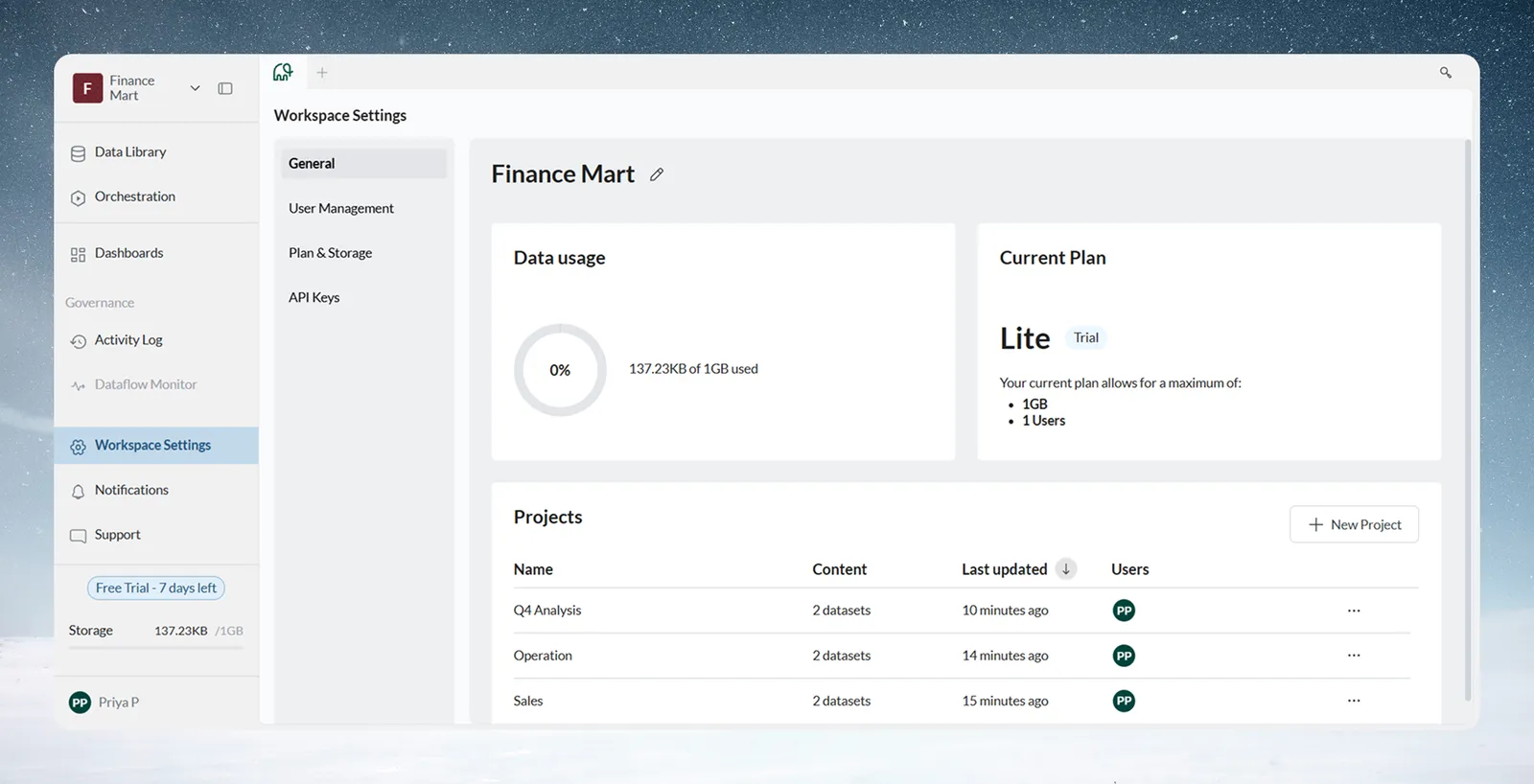
Related
- Set up your workspace: invite people and create the first projects.
- Members, roles and custom roles: every permission in one matrix.
- Datasets and batches: what a project's data is made of.
Something wrong? support@mammoth.io